Rivet Laser Scan
Rivet Laser Scan project page preserved from the public Squarespace site.
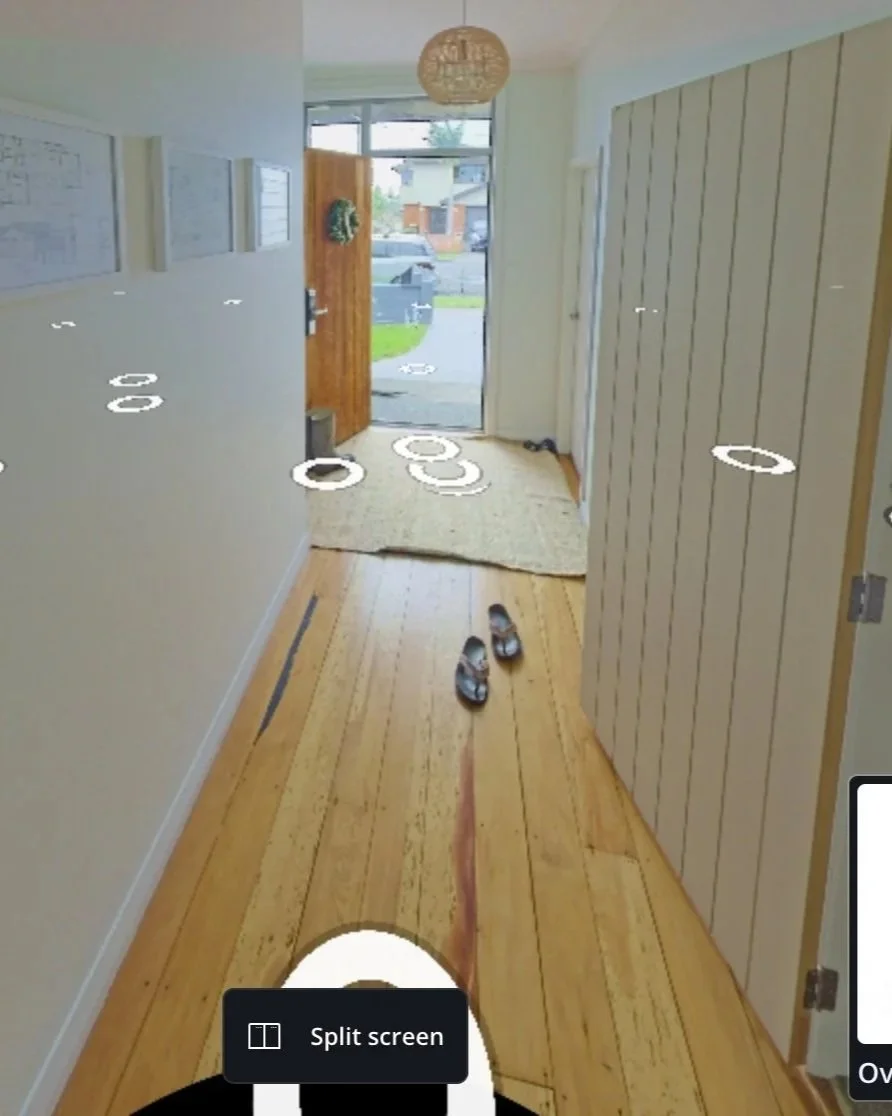
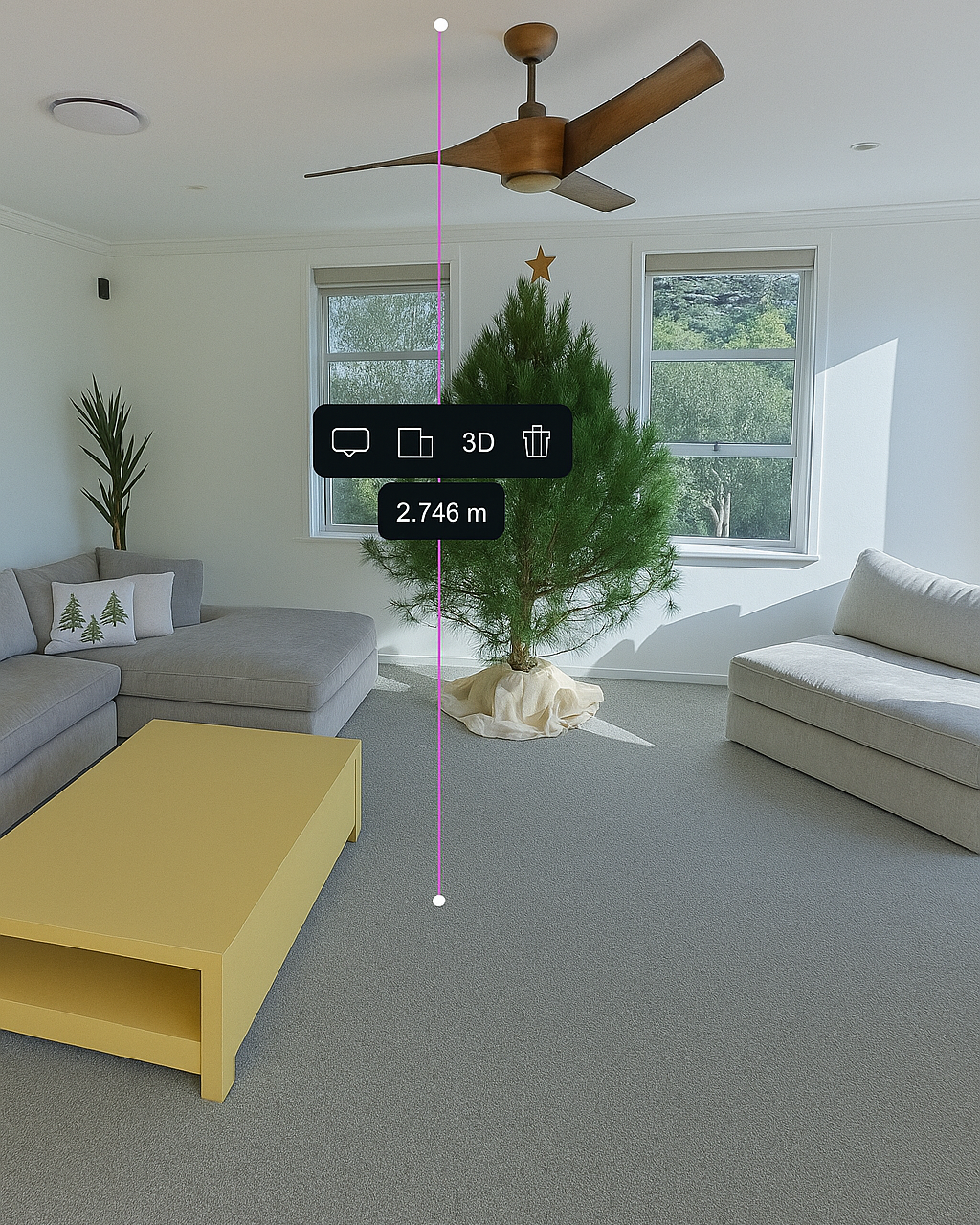
Virtual tour and project documentation
This project URL is represented in the preview and ready for final copy, imagery, and embedded tour review.
Manual content review needed
The original public page should be checked manually for any embedded third-party tour content before DNS cutover.